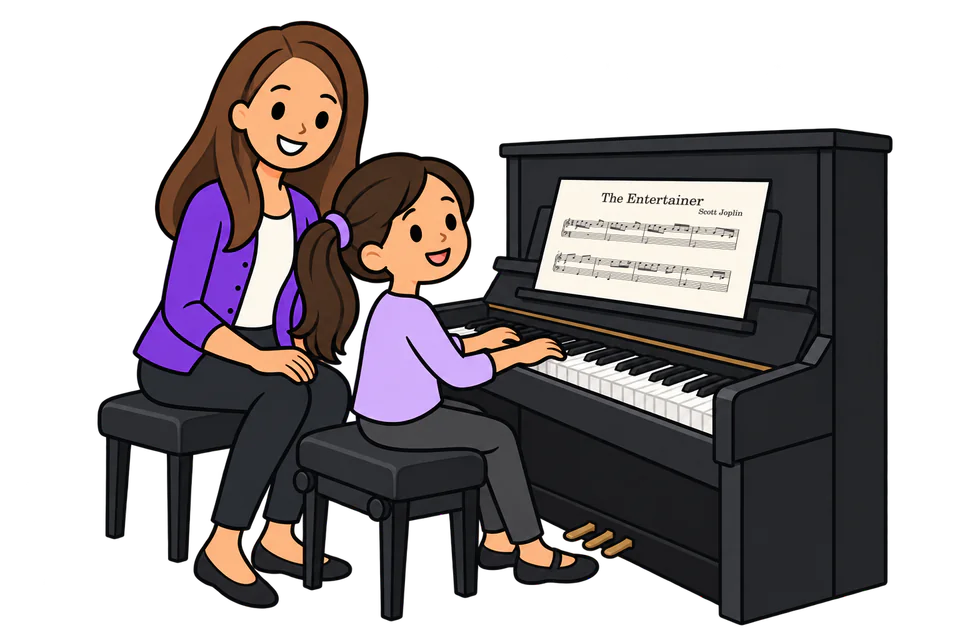
Piano sheet music reader · in your browser
A piano sheet music reader that plays it back
Upload a photo or PDF of a piano piece. PlayableNotes reads it into a score, plays it on a sampled piano with each note lit up as it sounds, at any tempo, with either hand on its own.
Read a page free →Open a free library piece
50 free reading credits for a new account. No card needed, no subscription.
- Piano music only
- Photo, screenshot or PDF
- Any tempo
- Hands separately
From a photo of piano music to hearing it played
A real page read in PlayableNotes, played back with the notes lit up, slowed down, then opened as a practice link to play one hand at a time and loop two bars.
What it does
Hear the music on the page in front of you
A sheet music reader is only useful if you can trust what you hear. PlayableNotes shows the score it read, plays exactly that, and lets you correct it.
Reads a photo, screenshot or PDF
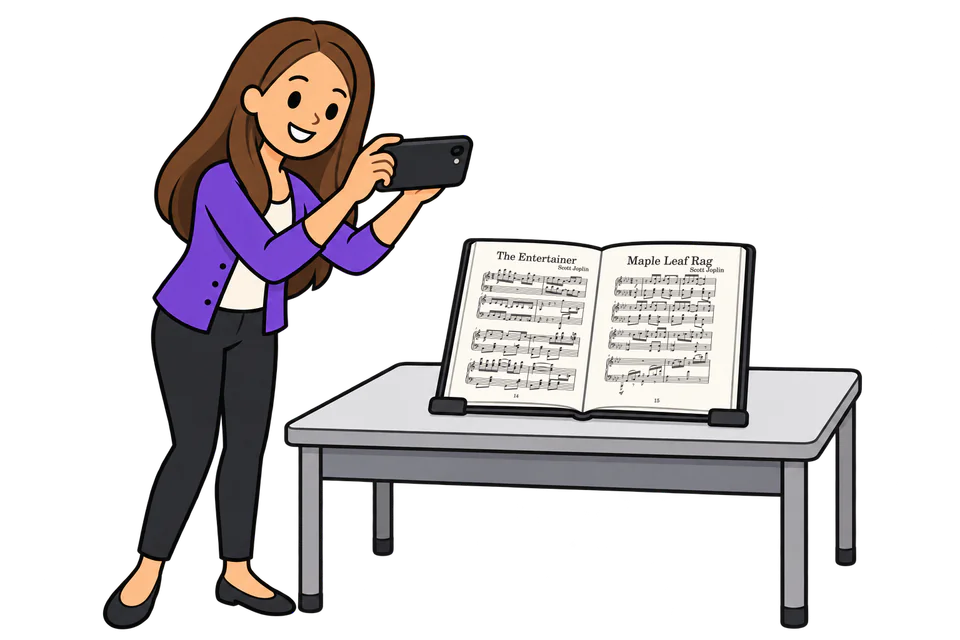
Take a picture of the page on your phone (one page per photo), upload a screenshot or a PDF, or open a MusicXML file. You see the pages in order before anything is read.
Plays it with a sampled piano
The score plays on recorded piano samples, and each note lights up as it sounds, so you can follow along on the page.
Any tempo, any passage
Slow it right down or speed it up, loop the bars you’re learning, and play the right hand or the left hand on its own.
Fix what it got wrong
Reading isn’t perfect. Compare with your page, click a wrong note to correct it, ask the AI to fix a passage, or re-read from a sharper photo.
How to practise with it
Read the page once
Upload a photo or PDF and check the pages and the credit count (1 credit reads 1 line). In a minute or two it opens as a score; from then on, listening and practising are free.
Listen with the notes lit up
Press play and follow the highlighted notes on the page. Compare with your copy as you go, and click any note that sounds wrong to fix it.
Slow down, loop, one hand at a time
Bring the tempo down for the hard bars, loop them, and play the right or left hand on its own before putting them together.
Reading the page itself: see how to scan piano sheet music for photo tips. No page handy? Open one of more than 300 public-domain library pieces: they play right away and use no credits.
What you can do with the score
Practise with it
Play at any tempo, loop a passage, and listen to each hand separately.
Correct and edit
Click a note to open its measure: drag notes, add chords, change lengths and signs. Every change is saved as a version you can go back to.
Make it easier or change the key
Ask in plain words: “make the left hand easier”, “take out the octaves”, “put it in C”. The result is a new version; the original stays.
Print and download
Print a clean PDF in Letter or A4, or download MusicXML for MuseScore, Sibelius or Dorico, or MIDI with each hand on its own track.
Send it to a student
A practice link opens in any browser without an account. The student can play at any tempo, loop, play hands separately and print.
All of this is free once a page is read. See simplifying piano music, transposing and sheet music to MIDI.
What it can’t read
PlayableNotes is built for piano music. If your music is one of these, another tool will serve you better; our scanner price comparison lists what each one reads.
- Only piano music. It reads a treble and a bass staff played together. A single melody line, voices written on four separate staves, or another instrument’s part isn’t what it reads. (A hymn printed on two staves, treble and bass, reads like piano music.)
- No choir, orchestra or band scores. Vocal parts with lyrics as separate parts, chamber, orchestral and band scores aren’t supported.
- No guitar tab, drum notation or chord charts. Tablature, percussion staves and lead sheets read for their chord symbols are outside what it does.
- No handwriting. It is made for printed music. Handwritten manuscripts aren’t a supported input.
- No recordings. It reads notation, not audio: it won’t listen to a recording and write it down.
- Always check the reading. A reading can miss notes, rests or signs. Listen through and compare with your page before you practise from it, print it or send it.
Pay for reading, nothing else
- 1 credit reads 1 line of music: a treble and a bass staff together, from the left edge of the page to the right. A hymn page is usually 4 or 5 lines; a page of piano music usually 5 to 7.
- You see the count before reading starts. You’re never charged more than that, charged less if fewer lines are found, and nothing if the reading fails.
- One-time packs, no subscription. Credits never expire. Card, Apple Pay or Google Pay, to US billing addresses for now.
- Everything else is free: playing, editing, printing, downloads, practice links, library pieces and MusicXML imports.
Full pricing and refund terms · How this compares with other scanners
Choosing between sheet music readers
Other apps read more instruments, run on a phone without a browser, or sync notation with recordings. These pages compare them, each from the company’s own published information:
- Sheet music scanner prices compared: nine tools, what they read, what they cost.
- Soundslice alternative · ScanScore alternative · PlayScore 2 alternative · Scan2Notes alternative
- The best sheet music scanners for piano: a buyer’s guide.
Frequently asked questions
What is a piano sheet music reader?
Software that reads a picture of printed piano music and turns it into notes it can play. PlayableNotes reads a photo, screenshot or PDF of a piano page in your browser, then plays it back with a sampled piano and highlights each note as it sounds.
Can it play sheet music from a photo?
Yes. Upload one photo per page. For the best result, photograph each page flat, sharp and evenly lit, with the whole page in the picture. On a phone, the “Take a photo” button opens the camera.
Can I slow the music down or play one hand?
Yes. Play at any tempo, loop a passage, and play the right hand or the left hand on its own. The notes light up as they sound.
Is it free?
New accounts get 50 free reading credits, and 1 credit reads 1 line of music, so that’s roughly 7 to 10 typical piano pages. Playing, editing, printing, downloads and practice links are free. More credits come in one-time packs: $10 for 100, $25 for 300 or $70 for 1,000. There’s no subscription.
Is there an app?
PlayableNotes is a website that works on phones, tablets and computers. There’s no iOS or Android app to install, and it needs an internet connection. It also works inside ChatGPT, with the same account and credits.
Can it read choir, orchestra or guitar music?
No. It reads piano music only: a treble and a bass staff played together. For other instruments, see our sheet music scanner price comparison, which lists what each tool reads.
Can it read handwritten music?
Handwritten manuscripts aren’t a supported input. It is made for printed piano music.
Will every note be right?
Don’t assume so. Music reading can make mistakes, so listen through and compare with your page. Click a wrong note to fix it, ask the AI to fix a passage, or re-read from a sharper photo. A reading that fails costs nothing.
How long does reading take?
Usually a minute or two. You check the pages and the credit count first.
Can I use any sheet music?
Upload only music you own or have permission to use. Your uploads and scores stay private to your account. The library has more than 300 public-domain piano pieces you can open, play and print for free.
Bring the page. Press play.
Upload a photo or PDF of the piece you’re learning or teaching. Check the reading, then listen at the tempo you need.
Read a page free → Or open a free library piece
50 free reading credits. No card needed, no subscription.