For piano teachers and pianists
A Soundslice alternative for piano teachers
Soundslice is a web app for learning from notation synced to recordings, and it reads guitar tab. PlayableNotes does one job for piano teachers: read the page, then make the version a particular student needs. Below, the two side by side, from each company’s own pages.
Checked SourcesPublished by PlayableNotes, which makes one of the two tools compared. Not an accuracy test.
The short answer
- Choose Soundslice if you play or teach guitar and use tab, want notation synced to a YouTube video or your own recording, run private courses with feedback on students’ performances, or need a full editor for many instruments.
- Choose PlayableNotes if you teach piano and want to read a photo or PDF, fix it, make an easier version or a new key in plain words, and send a practice link, paying per line read rather than monthly.
- Try both on the same page: Soundslice’s free plan includes 2 trial scans a month (1 page and 32 bars each), and PlayableNotes gives a new account 50 reading credits.
Try PlayableNotes with your page →50 free reading credits. No card, no subscription.
Side by side
PlayableNotes and Soundslice compared
| Feature | PlayableNotes (us) | Soundslice |
|---|---|---|
| Price | ||
| Free to start | Yes: 50 reading credits for a new account, about 7 to 10 piano pages | Partly: Free plan: 2 trial scans a month, 1 page and 32 bars per scan2 |
| Paid | One-time packs: $10 for 100 credits, $25 for 300, $70 for 1,000. 1 credit reads 1 line of music | Plus $5/month or $50/year (100 pages a month). Teacher $20/month or $200/year for 100 students (200 pages a month)12 |
| Subscription | Yes: None. Credits never expire | Monthly or yearly; cancel anytime1 |
| Reading | ||
| Input | Yes: Photo (one page each), screenshot, PDF or MusicXML | Yes: JPG, PNG, GIF, BMP, PDF, HEIC, TIFF or WEBP; up to 25 pages per scan on paid plans2 |
| Instruments | Partly: Piano only: a treble and a bass staff together | Yes: Multi-part scores, including lyrics (over 20 languages) and percussion; a piano’s two staves are read as two parts42 |
| Guitar tab | No | Yes, in standard guitar or 4-string bass tuning; best with a standard staff above, tab-only with caveats. Chord diagrams too32 |
| Handwriting | No | Partly: “Maybe”; works best for engraved music2 |
| Practice | ||
| Playback | Yes: Sampled piano, notes highlighted, any tempo, loops, hands separately | Yes: Slow-down, looping and speed training, on the free plan too1 |
| Sync with a recording | No | Yes: YouTube sync free; your own MP3 or video on paid plans1 |
| Editing and teaching | ||
| Fix a wrong note | Yes: Click the note to open its measure, or ask the AI | Yes: Full notation and tab editor, with the original image shown alongside2 |
| Make an easier version | Yes: Ask in plain words: easier left hand, no octaves, another key. Saved as a new version | Partly: By hand in its editor, which can “rearrange, simplify or complicate the music”; transpose after scanning2 |
| Give it to a student | Yes: Practice link that opens in any browser, no account; free | Secret links from the Plus plan; private courses, student performances and private feedback on Teacher1 |
| Exports | Yes: PDF, MusicXML and MIDI, free | Partly: MusicXML, PDF, MIDI, MP3, Guitar Pro; paid plans only5 |
| Where it runs | Web browser; also inside ChatGPT | Web browser; nothing to install2 |
Prices are US-dollar list prices and can change; check the linked pages before you buy.
Where Soundslice is better
Guitar, tab, lyrics and percussion
Soundslice reads tablature in standard guitar or 4-string bass tuning (best with a standard staff above it), chord diagrams, lyrics in over 20 languages, and percussion. PlayableNotes reads piano music only.
Learning from real recordings
Soundslice syncs notation to a YouTube video (on the free plan) or to your own audio or video (on paid plans), so a student can watch the performance and follow the notes. PlayableNotes plays a sampled piano only.
Courses and feedback for students
On the Teacher plan you can organise lessons into private courses; students submit performances and you reply with private comments. PlayableNotes has no student accounts or progress tracking: students open practice links.
A complete editor for any part
Its editor handles multi-part scores, tab and lyrics, shows the original image next to the scan, and asks for your help where the music is unclear. PlayableNotes edits piano scores.
Lots of pages for a flat fee
Plus includes 100 scanned pages a month for $5. If you scan a lot every month, that can cost less than paying per line: at 6 lines a page, 100 pages would use 600 PlayableNotes credits.
Where PlayableNotes is better
A version for this student, in one sentence
After reading, type what the student needs: “make the left hand easier, keep the right hand exactly as it is”, “take out the octaves”, “put it in C”. Each result is a new version, with the original one click away. Check it before the lesson, as you would any arrangement.
No subscription, free exports
You pay only to read new pages, with credits that never expire. Editing, playback, practice links and PDF, MusicXML and MIDI downloads are free; Soundslice reserves exports for paid plans.
Practice links students just open
A practice link is a fixed copy of the version you choose. The student opens it in any browser without an account, plays at any tempo, loops a passage, plays hands separately and prints. You can update or revoke it.
Made for printed piano pages
Built around a treble and a bass staff read together, with a measure editor that shows both hands. It tells you the credit count before reading, and a reading that fails costs nothing.
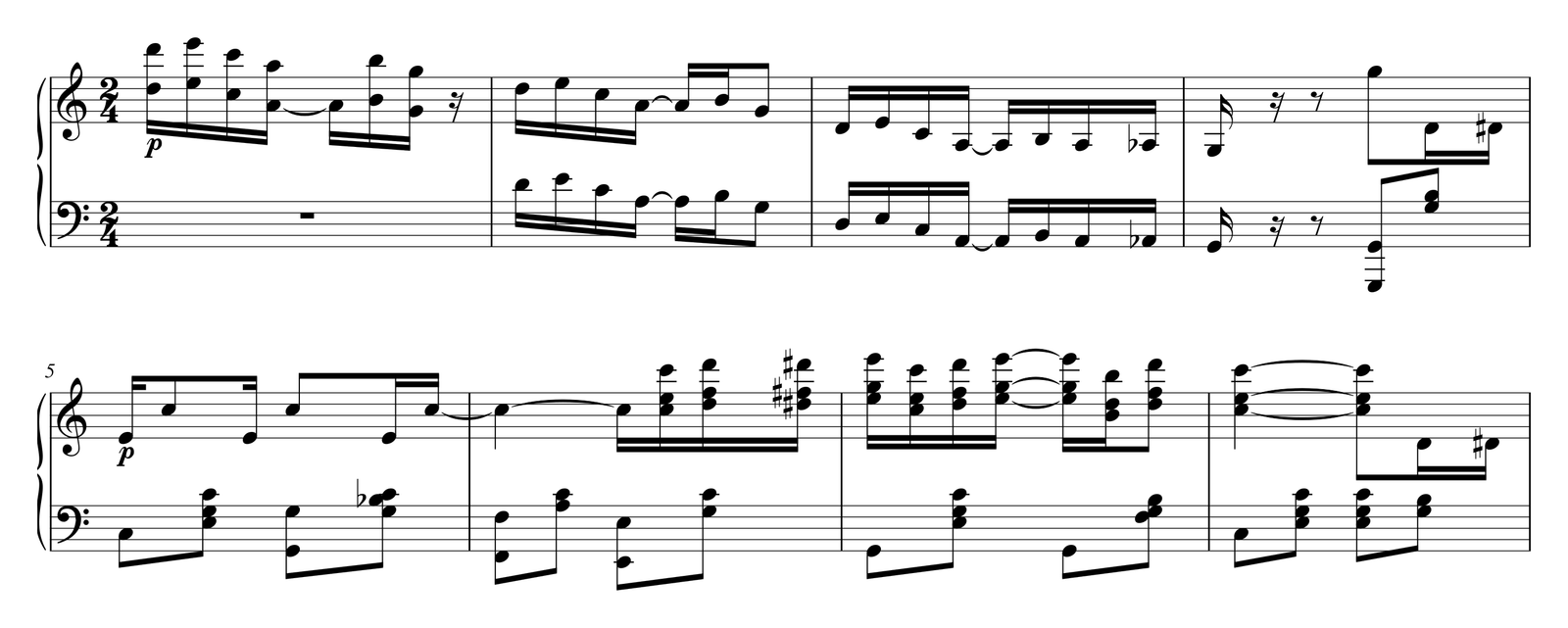
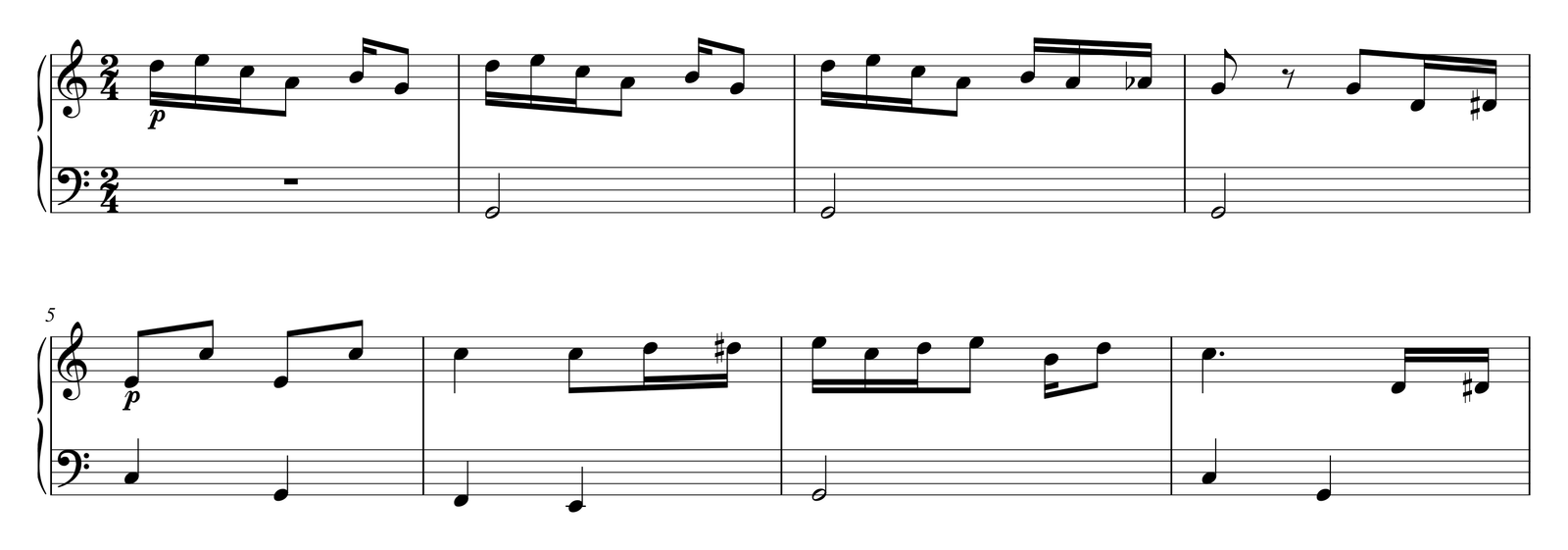
Try the same page in both
Pick one page you teach
Ideally a single page with an awkward left hand, so it fits Soundslice’s free trial scan (1 page, 32 bars).
Read it in both
In PlayableNotes, upload the photo or PDF, check the pages and the credit count, then read. It usually takes a minute or two.
Listen and count the fixes
Play each result against the printed page and note how many corrections each needed.
Ask for the student’s version
In PlayableNotes, one sentence: an easier left hand, no octaves or another key. Print it, or send a practice link.
Where these facts come from
Each page was read on . We quote what the companies publish; we did not test recognition accuracy.
- Soundslice plans and prices www.soundslice.com/plans/
- Soundslice sheet music scanner: limits per plan, file types, what it reads www.soundslice.com/sheet-music-scanner/
- Soundslice help: supported notations www.soundslice.com/help/en/creating/pdf-import/294/supported-notations/
- Soundslice help: instrument assignment www.soundslice.com/help/en/creating/pdf-import/324/instrument-assignment/
- Soundslice help: exporting www.soundslice.com/help/en/creating/slice-manager/161/exporting/
- PlayableNotes pricing and credit rules /pricing
Frequently asked questions
What’s a good Soundslice alternative for piano teachers?
If you teach piano and want to read a printed page, fix it and turn it into a version for a particular student, PlayableNotes does that in the browser: it reads a photo, screenshot or PDF, makes an easier version or a new key from a plain-English request, and sends free practice links.
How much does Soundslice cost?
On 22 October 2026 Soundslice listed a free plan, Plus at $5 a month or $50 a year, Teacher at $20 a month or $200 a year for 100 students, and Licensing at $100 a month for 200 users. Its scanner allows 2 trial scans a month on the free plan, 100 pages a month on Plus and 200 on Teacher.
Does PlayableNotes have a subscription?
No. You buy one-time credit packs ($10 for 100, $25 for 300 or $70 for 1,000) and use 1 credit per line of music read. New accounts get 50 credits free, and credits never expire.
Can PlayableNotes read guitar tab like Soundslice?
No. PlayableNotes reads piano music only: a treble and a bass staff together. For tab, Soundslice is the better choice.
Can PlayableNotes sync notation with a YouTube video?
No. It plays the score on a sampled piano, at any tempo, with loops and hands separately. Syncing with recordings is a Soundslice strength.
Is PlayableNotes more accurate than Soundslice?
We haven’t tested the two on the same scores, so we don’t claim that. Both can make mistakes. Read the same page in each and compare.
Can I move a score from Soundslice to PlayableNotes?
Soundslice exports MusicXML on paid plans, and importing MusicXML into PlayableNotes is free and uses no credits.
Bring a page you teach. See what it needs.
Read a photo or PDF, check it, hear it, and make the version your student needs. Editing, playback, exports and practice links are free.
Read my piano page → Or open a free library piece
50 free reading credits. No card needed, no subscription.