For piano teachers and pianists
A ScanScore alternative for piano teachers
ScanScore is desktop software for checking a scan bar by bar before exporting it to your notation program, and it reads choir, band and orchestral scores as well as piano. PlayableNotes runs in the browser and is made for piano lessons: read a page, hear it, adapt it for a student and send it home, with nothing to install. Below, the two side by side, from each company’s own pages.
Checked SourcesPublished by PlayableNotes, which makes one of the two tools compared. Not an accuracy test.
The short answer
- Choose ScanScore if you work on a Windows or Mac computer, scan choir, band or orchestral scores, and want to correct every element before exporting MusicXML to MuseScore, Sibelius, Dorico or another notation program.
- Choose PlayableNotes if you teach piano, want to work in a browser on any device, and need an easier version, a new key or a practice link for a student as well as the reading itself.
- Try both with the same page: ScanScore has a 14-day trial (export and playback are limited) and a 30-day money-back guarantee on licences, and PlayableNotes gives a new account 50 reading credits.
Try PlayableNotes with your page →50 free reading credits. No card, no subscription.
Side by side
PlayableNotes and ScanScore compared
| Feature | PlayableNotes (us) | ScanScore |
|---|---|---|
| Price | ||
| Free to start | Yes: 50 reading credits for a new account, about 7 to 10 piano pages | Partly: 14-day trial with Professional features; export and playback are limited. Licences have a 30-day money-back guarantee23 |
| Paid | One-time packs: $10 for 100 credits, $25 for 300, $70 for 1,000. 1 credit reads 1 line of music | Melody $9, Ensemble $39, Professional $79, each a licence for 365 days from activation2 |
| Renewal | Yes: No subscription. Credits never expire | Yes: No automatic renewal2 |
| Plan for piano | Every account reads piano | Needs Ensemble ($39) or Professional; Melody reads one staff per system2 |
| Reading | ||
| Where it runs | Web browser on phones, tablets and computers | Windows 8+ or macOS 10.12+, with the ScanScore Capture phone app for photos3 |
| Input | Yes: Photo, screenshot, PDF or MusicXML | Yes: PDF and picture files3 |
| Staves | Partly: Piano: a treble and a bass staff together | Yes: Ensemble up to 4 per system (SATB, piano); Professional unlimited2 |
| Lyrics and chord symbols | No | Yes: Reads lyrics and chords3 |
| Guitar tab, drums, handwriting | No | No, per its FAQ3 |
| Editing and teaching | ||
| Fix a wrong note | Yes: Click the note to open its measure, or ask the AI | Yes: Edit all musical elements; add or delete bars and staves2 |
| Transpose | Yes: Ask for any key; saved as a new version | Yes: Transposition included2 |
| Make an easier version | Yes: Ask in plain words: easier left hand, no octaves. Saved as a new version | Partly: By hand: Score mode can rearrange, and changing the key can “make it easier to play”. ScanScore 3.5 (September 2026) adds an Assistant we found no details of12 |
| Playback | Yes: Sampled piano, notes highlighted, any tempo, loops, hands separately | Yes: Playback in the app2 |
| Give it to a student | Yes: Practice link that opens in any browser, no account; free | Print it, or export a PDF or MP3 to send145 |
| Exports | Yes: PDF, MusicXML and MIDI, free | Partly: MusicXML, MIDI, PDF and MP3 audio, with a paid licence; it also prints13 |
Prices are US-dollar list prices and can change; check the linked pages before you buy.
Where ScanScore is better
Desktop correction, element by element
ScanScore is built for checking a scan against the original on a computer: edit every musical element, add or delete bars and staves, then send the result to your notation program.
Choir, band and orchestra
Ensemble reads up to four staves per system, enough for SATB; Professional has no staff limit, for big choirs, big bands and orchestras. PlayableNotes reads piano music only.
Lyrics and chord symbols
ScanScore reads lyrics and chords. PlayableNotes doesn’t offer lyrics editing or chord symbols as features.
A fixed yearly price
One payment covers a year of scanning with no per-page count and no automatic renewal, and licences come with a 30-day money-back guarantee. If you scan many pages, that can cost less than credits.
Where PlayableNotes is better
Nothing to install
PlayableNotes runs in a browser on a phone, tablet or computer. On a phone, “Take a photo” opens the camera, and the same score is there on your computer later.
The student’s version, not just the scan
After reading, type what the student needs (“easier left hand, keep the right hand as written”, “no octaves”, “put it in C”) and get a new version to hear, check and print. The original is always one click away.
Practice links instead of files
Send a link the student opens in any browser without an account: play at any tempo, loop a passage, play hands separately, print. You can update or revoke it.
Free credits rather than a trial
The 50 free credits read real pages, and those scores can be played, edited and exported as PDF, MusicXML or MIDI at no cost, with no time limit. After that you pay only to read new pages.
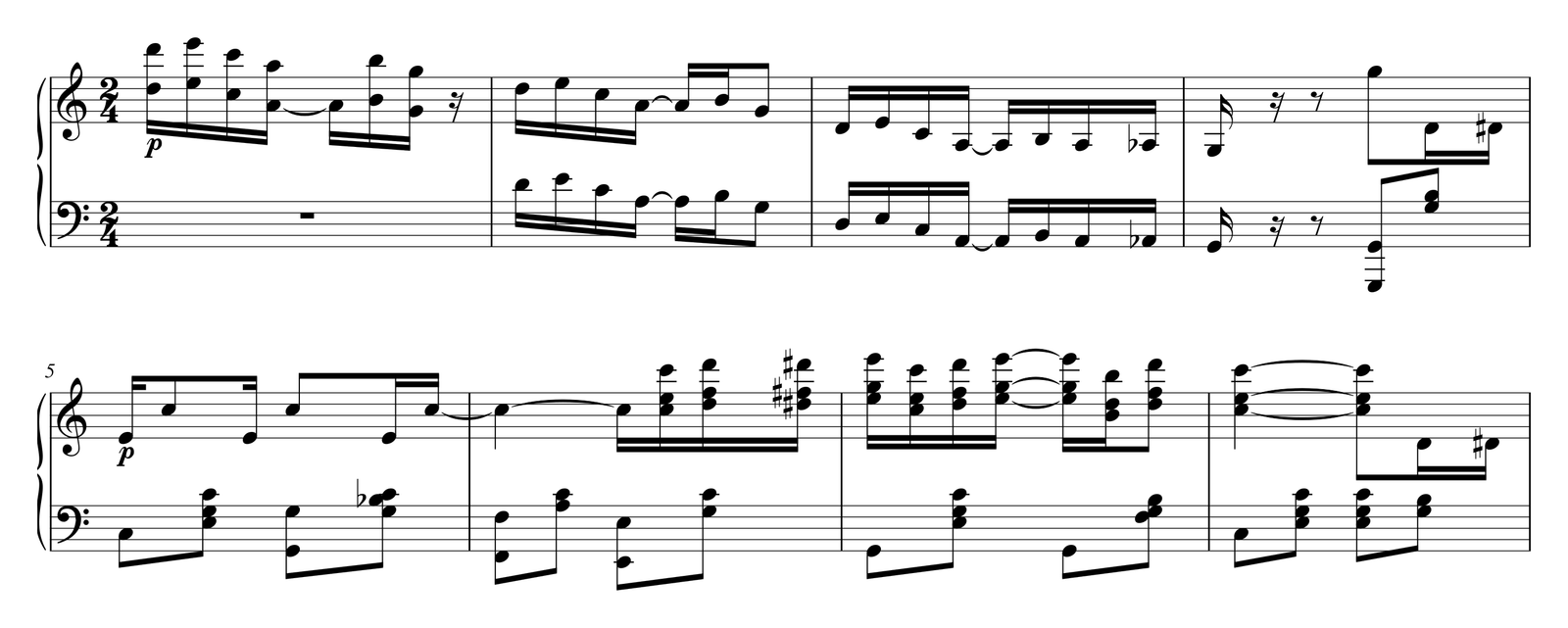
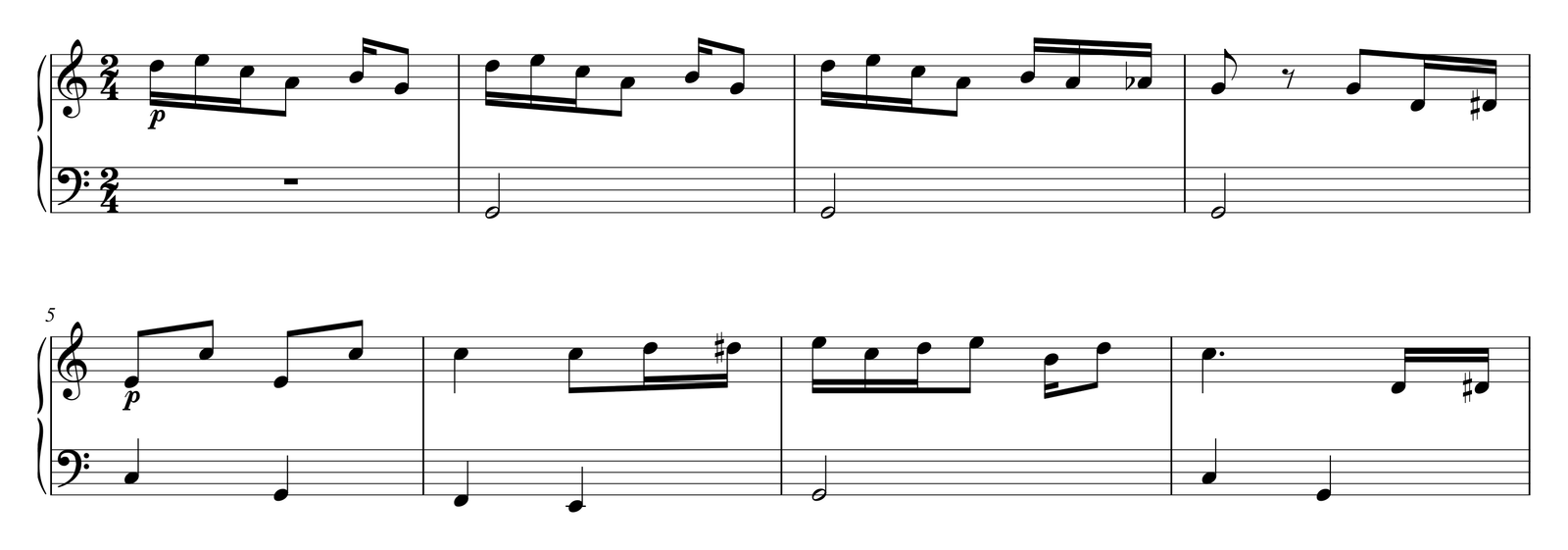
Try the same page in both
Pick one page you teach
A piano page with something you’d want to change for a student.
Read it in both
Use ScanScore’s trial on your computer and PlayableNotes in a browser. In PlayableNotes, check the pages and the credit count before reading.
Compare the corrections
Listen to each result against the page and count the fixes you need.
Finish the lesson
Already have MusicXML from ScanScore? Importing it into PlayableNotes is free and uses no credits; then ask for the student’s version and send a practice link.
Where these facts come from
Each page was read on . We quote what the companies publish; we did not test recognition accuracy.
- ScanScore home page: exports, Score mode, transposing scan-score.com/en/
- ScanScore editions, prices, trial and money-back guarantee scan-score.com/en/products/
- ScanScore FAQ: trial, systems, what it reads, exports scan-score.com/en/faq/
- ScanScore: exporting a PDF scan-score.com/en/export-sheet-music-as-pdf-using-the-music-scanner-scanscore/
- ScanScore: exporting an MP3 scan-score.com/en/export-mp3-from-the-music-scanner-scanscore/
- PlayableNotes pricing and credit rules /pricing
Frequently asked questions
What’s a good ScanScore alternative for piano teachers?
PlayableNotes reads piano music from a photo, screenshot or PDF in the browser, lets you fix notes, then arranges it for a particular student from a plain-English request: an easier left hand, no octaves or another key. You can print it or send a free practice link.
How much does ScanScore cost?
On 22 October 2026 ScanScore listed Melody at $9, Ensemble at $39 and Professional at $79, each a licence valid for 365 days from first activation with no automatic renewal. For two-staff piano music you need Ensemble or Professional, since Melody reads one staff per system.
Is there a free ScanScore alternative?
PlayableNotes gives new accounts 50 free reading credits, enough for roughly 7 to 10 typical piano pages, with free editing and exports. Audiveris is free open-source desktop software. ScanScore itself has a 14-day trial and a 30-day money-back guarantee. See our sheet music scanner price comparison for more.
Does PlayableNotes need a subscription?
No. You buy one-time credit packs ($10 for 100, $25 for 300 or $70 for 1,000) and use 1 credit per line of music read. Credits never expire.
Can PlayableNotes read choir or orchestral scores?
No. It reads piano music only: a treble and a bass staff together. For choir or orchestral scores, ScanScore Ensemble or Professional covers far more.
Is PlayableNotes more accurate than ScanScore?
We haven’t tested the two on the same scores, so we don’t claim that. Both can make mistakes. Try the same page in each and count the corrections.
Can I import ScanScore’s MusicXML into PlayableNotes?
Yes. ScanScore exports MusicXML with a paid licence, and importing MusicXML into PlayableNotes is free and uses no credits.
Bring a page you teach. See what it needs.
Read a photo or PDF, check it, hear it, and make the version your student needs. Editing, playback, exports and practice links are free.
Read my piano page → Or open a free library piece
50 free reading credits. No card needed, no subscription.