Best sheet music apps for piano, by what you need them for
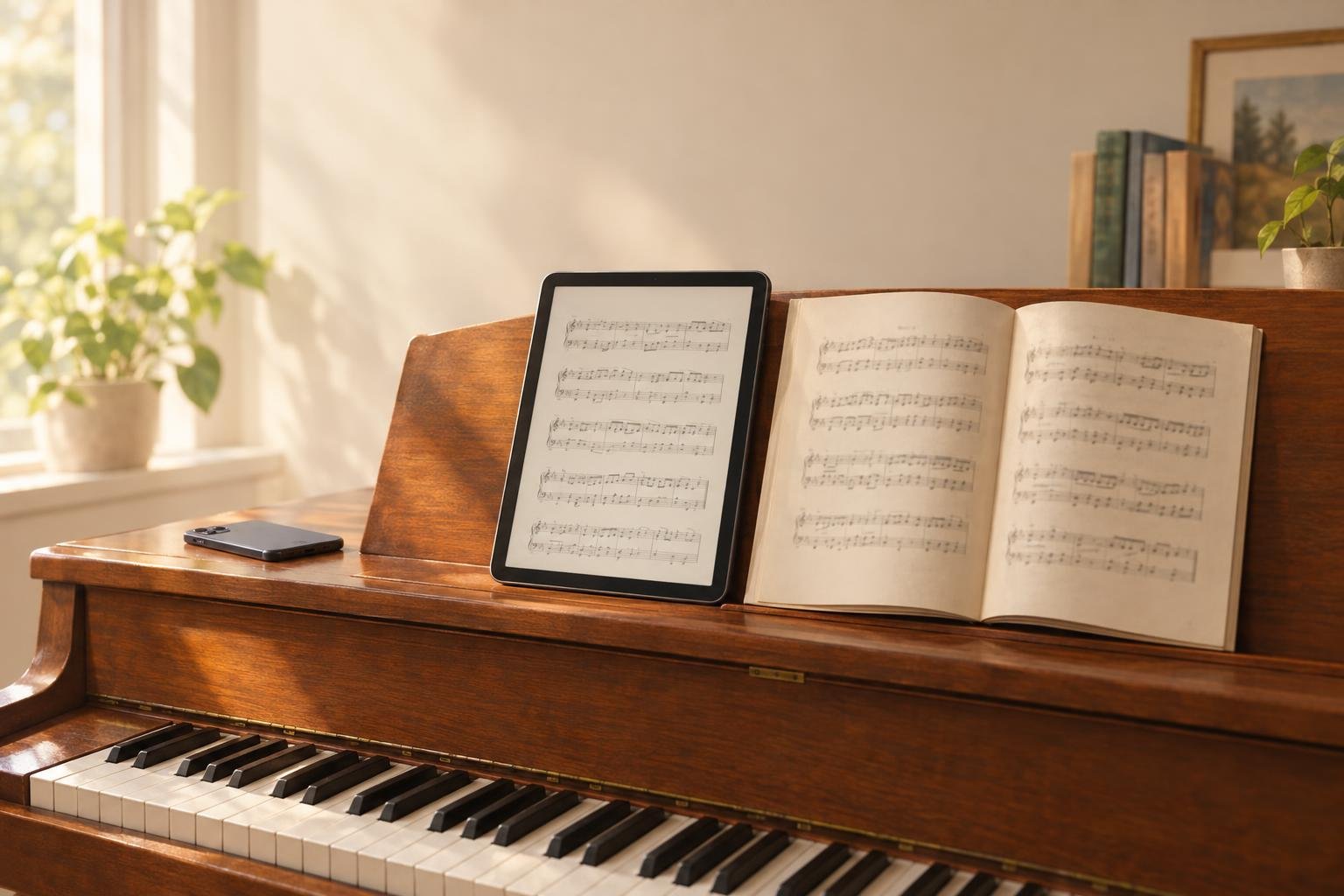
The best sheet music app for piano depends on what you do once the page is open. For reading PDFs at the piano, with page turns and pencil marks, get forScore on Apple devices or MobileSheets on Android and Windows. PlayScore 2 lets you hear what a printed page sounds like, and MuseScore Studio, free on a computer, is the one for editing notation. To turn a page into a score you can rearrange for a student, use PlayableNotes in the browser.
"Sheet music app" covers four different jobs, and you may need more than one:
- Showing the page is a reader app's job: it holds your PDFs, turns pages and keeps your markings and setlists. forScore costs $24.99 on the US App Store, one purchase for iPad, iPhone and Mac. MobileSheets is $15.99 on iOS and also runs on Android and Windows.
- To play the page, a recognition app reads the notes from a photo or PDF so you can hear them. PlayScore 2 plays camera pages for free; PDFs and MusicXML export need a subscription.
- Editing the notes takes a notation program. MuseScore Studio is free and open source, and it starts from MusicXML or MIDI rather than a printed page.
- Adapting the piece is what PlayableNotes does. It reads two-staff piano music and rearranges it when you describe the change, such as an easier left hand or another key. New accounts get 50 free credits, and reading costs 1 credit per line.
Two other kinds of app share the name. Store apps such as Musicnotes sell arrangements and show them, and learning apps such as Simply Piano and flowkey teach with their own songs.
No recognition app reads every page perfectly, so check its reading against the page. Prices were checked in October 2026, in US stores.
Match the app to what happens after you open the page
| App | Best for | Runs on | Cost (US, October 2026) | Limit to know |
|---|---|---|---|---|
| forScore | Reading and marking up PDFs at the piano | iPad, iPhone, Mac, Vision Pro | $24.99 once; optional Pro subscription | Apple devices only |
| MobileSheets | The same job on Android or Windows | Android, Windows, iPhone, iPad, Mac | $15.99 on iOS; free Lite version and an Android trial | Bought direct, it's one license key per device |
| PlayScore 2 | Hearing a page you photograph | iPhone, iPad, Android, Windows | Free for camera pages; subscription for PDFs and MusicXML | Subscriptions are per platform; exports are for noncommercial use |
| MuseScore Studio | Writing and editing notation | Windows, Mac, Linux | Free | The program doesn't read printed pages |
| Musicnotes | Buying arrangements and reading them | iPhone, iPad, Android, Mac, Windows, web | Free app; you pay per title; optional Pro membership | Playback works on titles bought there, not on PDFs you import |
| PlayableNotes | Adapting a piano piece for a student | A web browser, phones included | 50 free credits, then from $10 for 100 | Two-staff piano music only; a website, not an app-store app |
A reader is enough if you only play from PDFs you already have. When the page has to change, for a student's hands or a singer's key, you need something that turns the picture of the page into notes.
For reading at the piano, forScore or MobileSheets
A reader app replaces the binder on your music stand. It turns pages by tap or with a pedal, keeps your annotations and groups pieces into setlists for a service or a recital.
forScore is the one to get if all your devices are Apple. One $24.99 purchase installs on iPad, iPhone and Mac, the markings are built around the Apple Pencil, and on an iPhone its Reflow feature reshapes the page so you can read it on a small screen. forScore Pro is an optional subscription; the developer says you don't need it for normal use.
MobileSheets does the same job across Android, Windows, iPhone, iPad and Mac. That makes it the pick on an Android tablet or a Windows laptop, or for a group on mixed devices. It can pair two tablets as a book so you see two pages at once, and you can try it free first: MobileSheetsLite on iOS, MobileSheetsTrial on Google Play.
The tablet and the pedal matter too. A letter-size page fills a 13-inch iPad at about nine-tenths of its printed size, but an 11-inch iPad shows it at just under three-quarters, so a dense page gets hard to read from the bench. Both apps can crop the white margins, which wins some of that back, and both work with Bluetooth page-turner pedals such as AirTurn and PageFlip, so your hands stay on the keys.
These apps show and mark up the page you already have, and its notes stay as printed.
To hear a page, PlayScore 2
PlayScore 2 reads music from your phone's camera and plays it back, with tempo control, loops and part muting. The free version plays pages you photograph. Reading a PDF, building a multi-page document or exporting MusicXML needs a subscription, priced for your region in the app's Store screen and sold separately for each platform.
A teacher can share a PlayScore document, and the student plays it in the free app. Check the publisher's export terms too: it says the MIDI and MusicXML it generates are for noncommercial use, which matters if you prepare material for paid lessons. The sheet music scanner price comparison puts PlayScore 2's subscription next to other recognition tools' prices.
To edit the notes, MuseScore Studio on a computer
MuseScore Studio is free, open-source notation software for Windows, Mac and Linux. It opens and saves MusicXML and MIDI and takes note input from a MIDI keyboard. If you're writing out an arrangement bar by bar, start here.
The catch with a printed page is that MuseScore Studio doesn't read it. In version 4.7, its Import PDF command opens a page on musescore.com; the program itself starts from a MusicXML file. So the route is recognition first and MuseScore second, with some tidying of layout and stems after the import. The guide to the best sheet music scanners for piano compares four tools that can make that MusicXML, including the free, open-source Audiveris.
For the music itself, a store or a free library
If you don't have the music yet, the Musicnotes app is free, and you buy arrangements one title at a time. Those play back, loop, slow down and, for many titles, transpose. Your own PDFs import for reading and markup but don't play: a PDF is a picture of the page, and hearing it or changing its key means reading the notes first.
For classical piano, the music is often free. IMSLP is a free website of public-domain scores, mostly scans you can load into forScore or MobileSheets. The PlayableNotes library has more than 300 public-domain piano pieces that already play in the browser, and the easy piano pages give easier versions of pieces such as Für Elise.
Learning apps such as Simply Piano and flowkey teach from their own song catalogs and listen to you play through the microphone or a MIDI keyboard. Buy one for lessons; it won't hold the music on your stand.
Test any app on one hard page before you pay
Feature lists won't tell you how an app handles your music. Pick one page you know well, ideally with a key change, accidentals, ties across the barline, two voices in one hand and a repeat with first and second endings. Run that same page through every recognition app you're considering, then check each result the same way:
- Count the bars and compare them with the page.
- Check the key and time signatures, including any change partway through.
- Listen with the page in front of you, one hand at a time if the app allows it. Listening catches wrong accidentals that are easy to miss on screen.
- Play through the repeats and endings and make sure they go where the page says.
- Export the MusicXML or MIDI and open it wherever you'll use it next.
For a reader app, test page turns with your pedal at performance tempo. This post doesn't rank recognition accuracy. We haven't run all these apps on the same set of pages, so judge each app by what it does with your page.
FAQ
Is there a free sheet music app for piano?
Yes, for some jobs. MuseScore Studio is free notation software for a computer, and PlayScore 2 plays pages you photograph for free, though PDFs and MusicXML export need a subscription. You can try MobileSheets with its free Lite version on iOS or its trial on Google Play. The Musicnotes app costs nothing to install, though you buy the music in it by the title; IMSLP has free public-domain scores to read in any of these apps. PlayableNotes, a website, gives new accounts 50 free reading credits, and its library of more than 300 public-domain piano pieces is free to open, play and print.
What's the best sheet music app for iPad?
For reading and marking up PDFs, forScore: $24.99 on the US App Store, one purchase for iPad, iPhone and Mac, with markings built around the Apple Pencil. MobileSheets, $15.99 on iOS, is the better pick if you also use Android or Windows devices. To hear a printed page, PlayScore 2 runs on iPad too.
Can an app play my piano sheet music out loud?
Yes, if it can read the notes on the page. PlayScore 2 does it from a camera photo for free, with a subscription for PDFs. In a web browser, PlayableNotes plays two-staff piano music at any tempo, looping a passage or one hand at a time. Neither reads every page perfectly, so listen with the original in front of you.
What's the best sheet music app for Android?
MobileSheets, for reading PDFs at the piano; you can test it first with MobileSheetsTrial on Google Play. PlayScore 2 is also on Android if you want to hear a page from a photo. PlayableNotes runs in your phone's browser, so there's nothing to install.
Do sheet music apps for piano need a subscription?
Not all of them. forScore is a $24.99 purchase with an optional Pro subscription, MobileSheets is $15.99 on iOS, and MuseScore Studio is free. PlayScore 2 needs a subscription for PDFs and MusicXML export. PlayableNotes has none: reading uses credits from one-time packs ($10 for 100, $25 for 300, $70 for 1000) that never expire.
Doing this in PlayableNotes
PlayableNotes is for the fourth job: turning a page of piano music into a score you can hear, change and hand to a student. It's a website rather than an app-store app. On a phone it runs in the browser, where a "Take a photo" button opens the camera, though it needs a connection.
Upload photos (one page per photo), a screenshot or a PDF, check the pages, and reading takes a minute or two. A MusicXML file opens without reading, at no cost. Playback highlights the notes as they sound, at any tempo, looping a passage or one hand at a time. If a note is wrong, click it to fix it in the measure editor.
You ask for changes in words in the AI chat: simpler, easier left hand, another key, fewer octaves. Each one is saved as a new version, with the original still there. When it's ready, download PDF, MusicXML or MIDI, print, or send a practice link: a fixed copy named after the student that opens on a phone without an account.
The Minuet worked example shows the whole route on one real page: Petzold's 32-bar Minuet, six lines, quoted at 6 credits. No notes needed correcting after the reading. The AI's simpler left hand went from 73 struck notes and chords to 49, and one bass note in bar 23 was put back by hand so the C-sharp before it resolves. Expect edits like that: the AI doesn't know your student.
Reading costs 1 credit per line of music (treble and bass staff together), and a page of piano music is usually 5 to 7 lines. You see the count before reading starts, and a failed reading costs nothing. Everything else is free: edits (up to 100 AI edits a day), playback, printing, downloads and practice links. The packs are on the pricing page, and the library of more than 300 public-domain pieces costs nothing to open and arrange.
Where it stops: it reads two-staff piano music only, not choir, band or orchestral scores, and not handwritten manuscripts. It isn't a page-turner or setlist app for performing, so keep forScore or MobileSheets for that. And check every reading against the page before it goes to a student.
Try it with a page from your own music in your projects: new accounts start with 50 free credits.